
Download FlipAlbum Suite – digital photo album, 3D photo flip, photo editing, memory preservation, nostalgic photo viewing, photo sharing
Overview
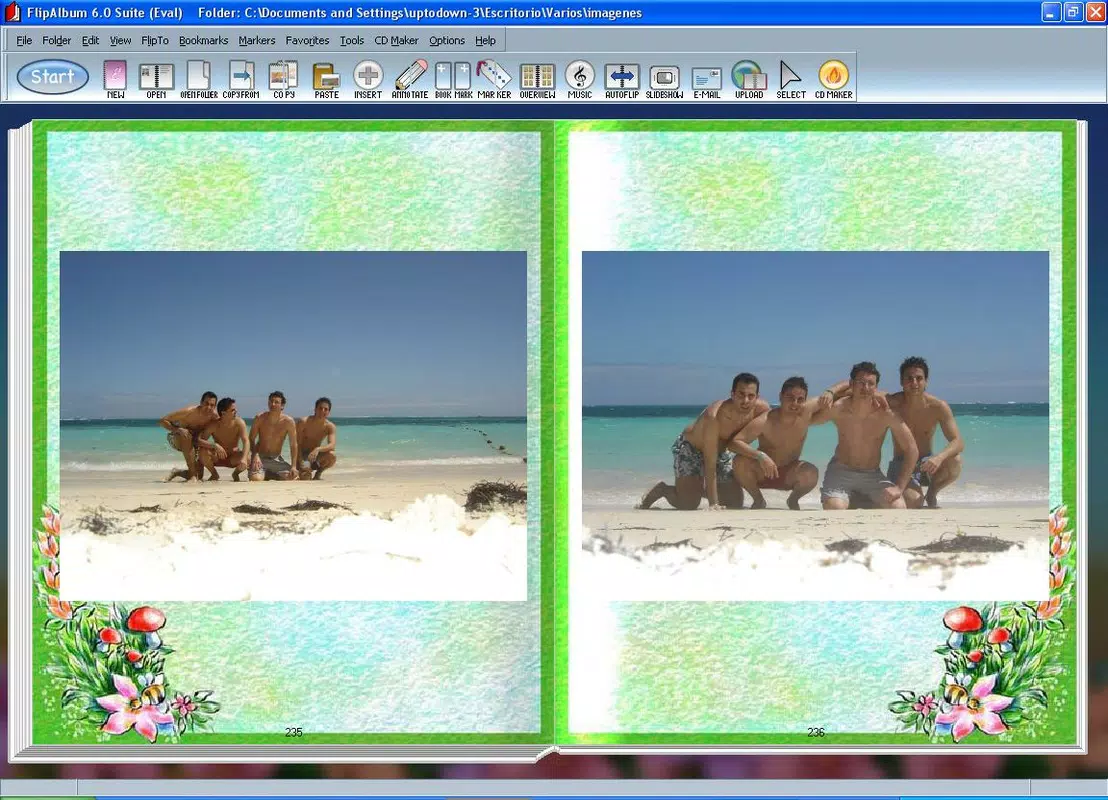
FlipAlbum Suite is a mobile application designed for users seeking a more immersive and emotionally engaging way to view and manage their digital photo collections. It addresses the common frustration of navigating through disorganized photo folders by offering a nostalgic, interactive experience that mimics the tactile joy of flipping through a physical photo album. The app is particularly useful for individuals who value memory preservation and want to present their photos in a visually compelling format. Target users include families, travelers, and anyone who collects personal photographs and seeks a meaningful way to revisit past experiences.
Developed by FlipAlbum, Inc., the app has been available since 2006, indicating a long-standing commitment to digital memory management. Although the developer did not provide additional technical details, the app’s enduring presence in the market suggests a stable and functional core experience. Real-world use cases include organizing holiday snapshots, creating digital keepsakes for special events, and sharing curated photo collections with loved ones. In the broader app ecosystem, FlipAlbum Suite occupies a niche that blends productivity with emotional utility, offering a unique alternative to standard photo viewers and basic editing tools.
Key Features & Functionality
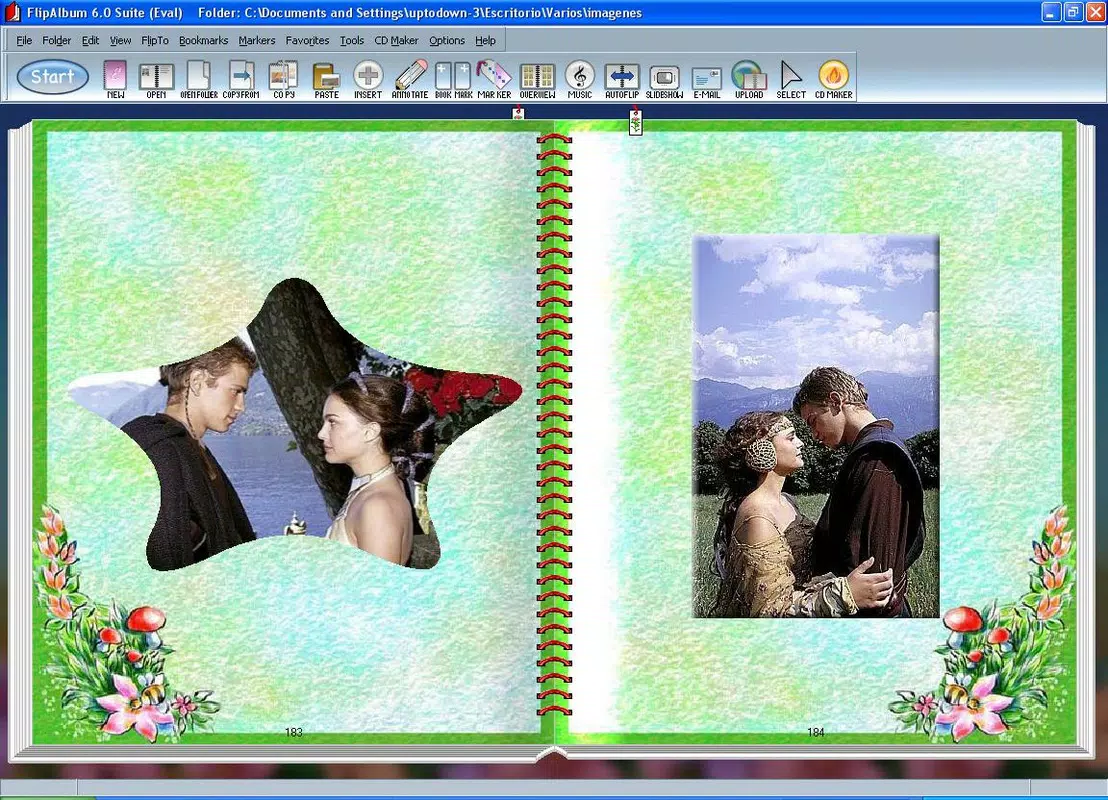
- 3D Page Flipping: The app’s standout feature allows users to navigate photos in a simulated 3D page-flip motion, replicating the experience of turning pages in a physical album. This enhances engagement and makes photo browsing feel more personal and immersive.
- Image Editing Tools: Users can apply filters, draw directly on images, and add text to personalize photos. These tools support both aesthetic enhancement and narrative context, turning raw images into meaningful visual stories.
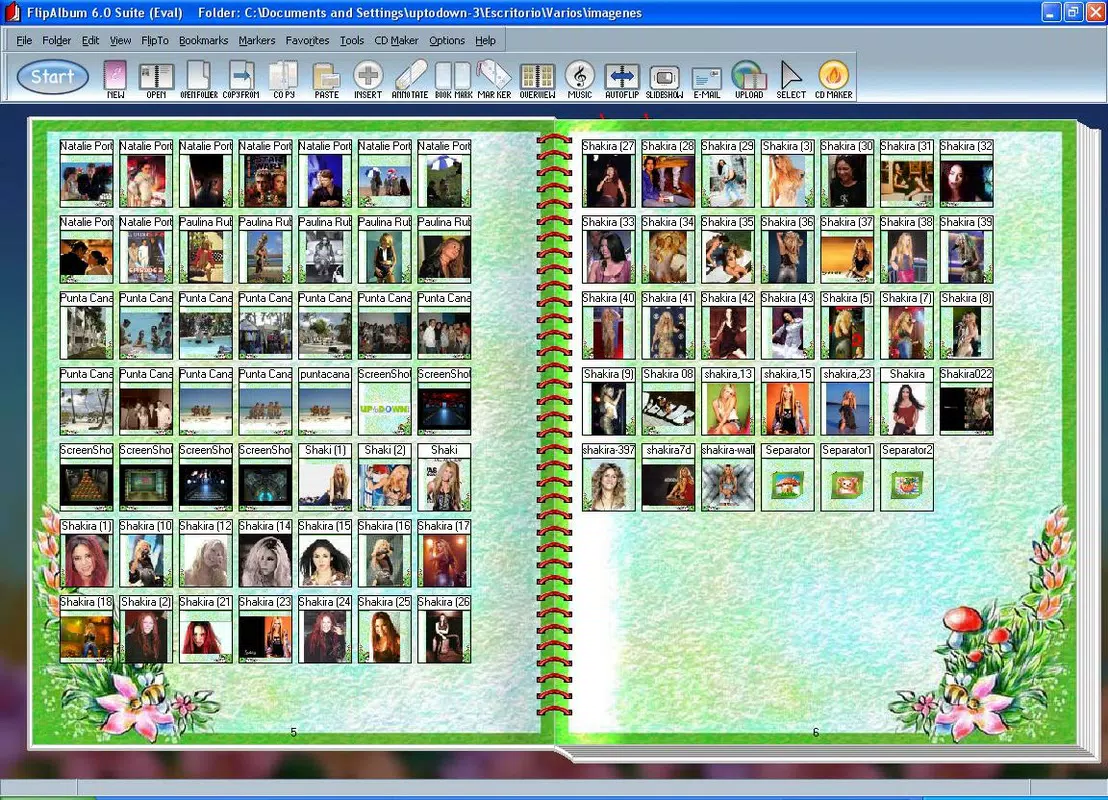
- User-Friendly Interface: The layout is designed for intuitive navigation, minimizing the learning curve. Users can easily select folders, browse photos, and perform edits without needing advanced technical skills.
- Photo Collection Sharing: After editing, users can export or share albums directly via email or social media platforms, enabling seamless distribution of curated memories.
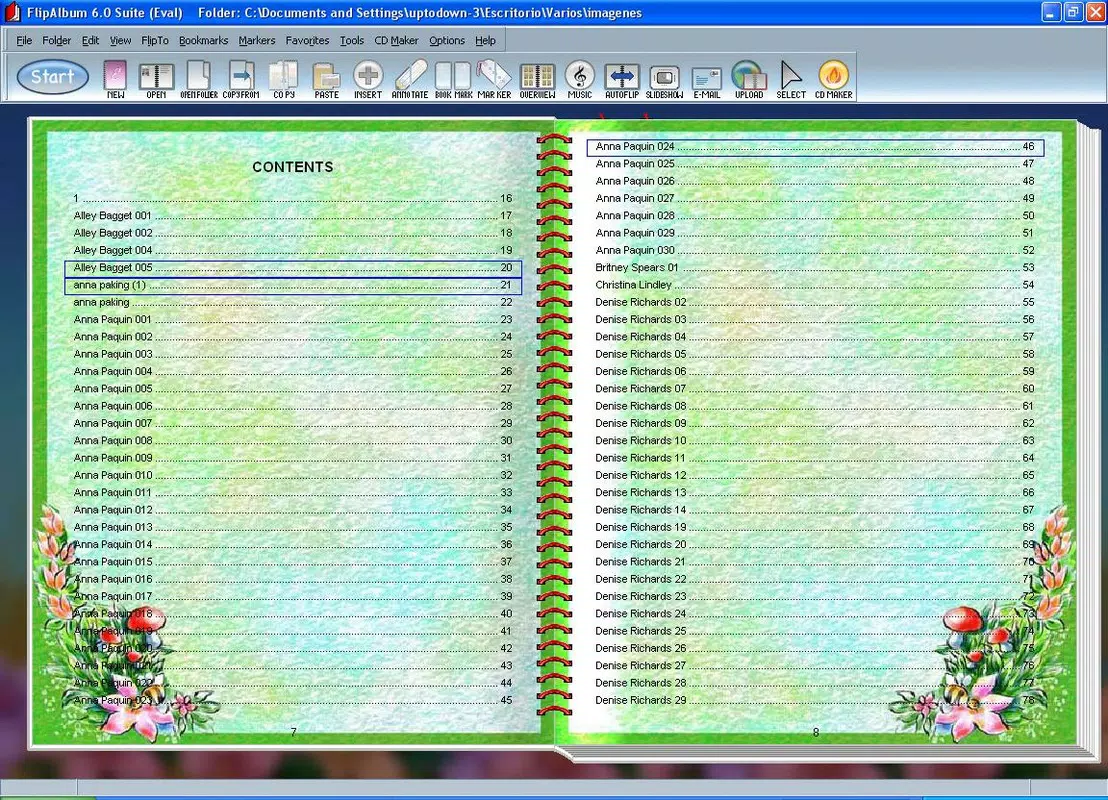
- Event-Based Album Creation: The app supports organizing photos by specific events or trips, making it ideal for preserving holiday memories and other significant occasions.
For example, a user planning a family reunion might create a dedicated album for past events, enhance each photo with captions, and share it with relatives through a simple email. This functionality transforms passive photo storage into active memory curation, enhancing both personal enjoyment and social connection.
Interface, UX & Performance
FlipAlbum Suite features a clean, minimalist interface that prioritizes visual clarity and ease of interaction. The layout emphasizes the photos themselves, with navigation elements positioned intuitively to support smooth page flipping and editing workflows. The app’s design encourages a natural browsing rhythm, reducing cognitive load and making it accessible to users of all ages.
Navigation is straightforward, relying on touch gestures such as swipes to flip pages and taps to access editing tools. The responsiveness of the interface appears consistent across device types, though the developer did not list formal performance metrics. Although the developer did not list formal performance metrics, the app’s lightweight size of 15.8 MB suggests efficient resource usage, which may contribute to stable operation on a range of Android devices.
Stability is implied by the app’s long availability since 2006, though no recent update logs or crash reports were provided. Users can expect a smooth experience when managing moderate-sized photo collections, though performance with very large libraries may vary depending on device capabilities.
Platform Compatibility & Technical Requirements
FlipAlbum Suite is available exclusively on the Android platform. The current version is 3.2.1, with a file size of 15.8 MB. While the app’s compatibility with specific Android OS versions was not disclosed, it is likely optimized for mid-range and newer Android devices given its lightweight footprint.
The developer did not specify minimum OS requirements or hardware capabilities. Users are advised to ensure their device supports standard Android app installation and has sufficient storage for photo libraries. No additional permissions or system-level access were mentioned in the provided information.
Pros and Cons
Pros
- Unique 3D page-flipping experience enhances emotional engagement with photos
- Integrated editing tools allow for personalization without switching apps
- Simple, intuitive interface suitable for non-technical users
- Efficient file size enables easy installation and low storage impact
- Facilitates sharing of curated photo collections across platforms
Cons
- Platform availability limited to Android only
- Specific OS version requirements were not listed
- No information on cloud sync or backup features
- Advanced editing features were not detailed
- Developer did not provide update frequency or support timeline
FAQ
Is FlipAlbum Suite available for iOS?
As of the provided information, FlipAlbum Suite is only available for Android devices. No iOS version was listed.
Can I edit photos directly in the app?
Yes, the app includes image editing tools such as filters, text overlay, and drawing features, allowing users to modify photos without leaving the application.
How large is the app file size?
FlipAlbum Suite has a file size of 15.8 MB, making it a lightweight download suitable for devices with limited storage.
Does the app support cloud storage or backups?
The developer did not provide information about cloud sync or backup functionality. Users should manage photo storage manually.
Is the app free to download?
FlipAlbum Suite is not free. It is priced at $4.99, which may affect accessibility for some users.
Final Thoughts
FlipAlbum Suite stands out in the productivity category by merging nostalgia with modern utility. It offers a thoughtful alternative to standard photo viewers, transforming digital images into interactive, emotionally resonant experiences. The combination of 3D page flipping, in-app editing, and seamless sharing makes it ideal for families, travelers, and anyone who values the art of memory preservation. While its Android-only availability and lack of cloud integration are notable limitations, the app’s simplicity, low resource usage, and unique interface design deliver strong value for its price.
For users seeking a meaningful way to organize and revisit their photo collections, FlipAlbum Suite provides a compelling solution. If you’re ready to elevate your digital photo experience, download FlipAlbum Suite now.


